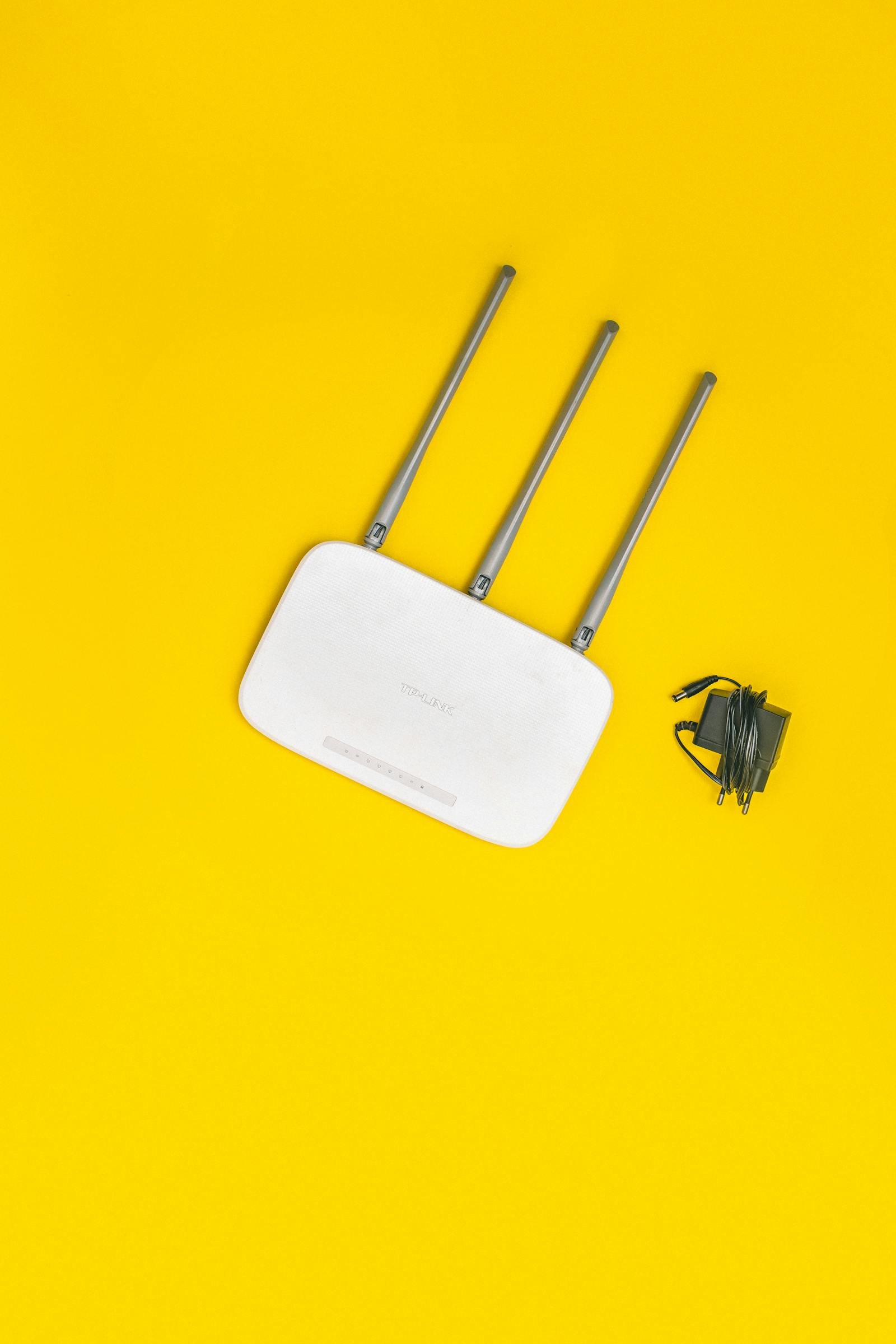
Home Router Botnet Defense in 2026: 8-Step Hardening Checklist Against KadNap, Kimwolf, and AyySSHush
Disclaimer: This article is for educational and defensive cybersecurity purposes only. The router hardening steps described below are general best practices. If you are responsible for a regulated environment (small healthcare practice, financial advisor home office, legal practice), consult your compliance officer or a licensed network security professional before changing production network configuration. Always back up your router settings before applying changes.
In May 2026, the most likely device on your home network to be quietly working for criminals is the one you bought, plugged in, and never thought about again — your router. Three named campaigns dominated the first half of this year: KadNap, which has compromised more than 14,000 ASUS routers (about 60% in the United States) by abusing CVE-2023-39780; Kimwolf, a residential-proxy botnet that has reached over 2 million devices globally, mostly cheap Android TV boxes hanging off home Wi-Fi; and AyySSHush, which embedded a persistent backdoor in non-volatile memory on more than 9,000 ASUS routers — surviving firmware updates and factory resets unless cleaned in the right order. These are not abstract enterprise threats. They are running on consumer routers from Best Buy, Amazon, and the box your ISP shipped you.
I have spent the past 11+ years building and maintaining production systems, including the seven aggregator sites in our portfolio at Warung Digital Teknologi — every one of them with credentials, deploy keys, and SSH sessions that pass through the same kind of consumer-grade gear most readers have at home. After a contractor's compromised home router got used as a relay against one of our client's Microsoft 365 tenants in early 2025, I rebuilt my own checklist for hardening a home router in under an hour. This is that checklist, updated for the May 2026 threat landscape.
Why home routers are the perfect target in 2026
Three structural realities make consumer routers the highest-yield target on any home network. First, they run 24/7 with a public IP, which means an attacker only has to find them once. Second, they ship with default administrative credentials, default service ports open, and firmware that is rarely updated. CISA and the FBI have repeatedly warned that end-of-life devices, slow patching cycles, and default credentials are the dominant infection vectors for SOHO botnets. Third, a compromised router sees every unencrypted DNS query, every captive portal login, every IoT device that talks to its cloud — and it can be used as a residential proxy that bypasses fraud-detection systems most consumer cloud services rely on.
The TP-Link Mirai variant active in April 2026 was specifically observed weaponizing infected SOHO routers to attack Microsoft 365 accounts via password spraying — your router becomes the attack origin, and the victim is some other user whose tenant flags traffic from "a residential ISP in your country" as low-risk. That is the part most home users miss: even if nothing on your home network gets stolen, your router can be the weapon used against your employer.
The 60-minute home router hardening checklist (May 2026)
Every step below is something I do on a fresh router before I trust it with anything sensitive. Total time on a well-known model: about 45 to 60 minutes the first time, then 10 minutes every quarter. If you have not opened your router admin page in over a year, expect to spend the full hour.
Step 1 — Apply the latest firmware (the highest-leverage 5 minutes you will spend)
Open your router admin page (commonly 192.168.1.1, 192.168.0.1, or 10.0.0.1) and check the firmware version. Compare it to the vendor's current release on their official support page — not Google's first result. KadNap exploits CVE-2023-39780, an authenticated command-injection bug in ASUS RT-AX55 firmware below version 3.0.0.4.386.50003. Routers patched to current firmware are not vulnerable to that specific exploit. The same pattern holds for the D-Link Mirai variant exploiting CVE-2025-29635 and the TP-Link bug currently being exploited.
If your router has an "automatic firmware update" toggle, enable it. If it does not — most pre-2022 consumer models — set a calendar reminder for the first Sunday of every month. A router I tested at home (an ISP-supplied Huawei) had not received a firmware update since 2023 because the auto-update was off by default, even though new firmware was available. Check, do not assume.
Step 2 — Replace the default admin password (and the username, if your model lets you)
Every botnet operator's first move is a credential brute-force against the admin panel. Default username/password lists for every router model are public. Mirai's original 2016 codebase used a hard-coded list of 62 default credential pairs to take down half the internet. The 2026 variants use lists at least ten times larger.
Set a long, random password — I use a password manager and 24 random characters. Do not reuse it from anywhere else. If your router lets you change the admin username (some Asus and Netgear models do), change it from admin to something only you know. This single step blocks most automated credential-stuffing attempts because the attacker now has to guess two unknowns instead of one.
Step 3 — Disable WPS
Wi-Fi Protected Setup uses an 8-digit PIN that, in most implementations, can be brute-forced in hours because of a design flaw that splits the PIN into two halves checked separately. The U.S. Computer Emergency Readiness Team published an advisory about this in 2011 (VU#723755), and the flaw still exists on many routers shipped today. If you ever need to add a device to your Wi-Fi, type the password — do not press the WPS button. Disable it in the wireless settings panel.
Step 4 — Disable UPnP unless you absolutely need it
Universal Plug and Play lets devices on your network punch holes in your router's firewall without your knowledge. That is convenient for game consoles and torrent clients. It is also exactly how BCMUPnP_Hunter compromised over 100,000 routers, and how many IoT-driven botnets establish persistence. If you do not run a self-hosted service that requires inbound connections, turn UPnP off. If something stops working, you can manually forward the specific port for the specific service — an extra five minutes that is worth the security gain.
Step 5 — Disable remote management and Telnet
Remote management lets you administer the router from outside your home network. Unless you are a network engineer who knows exactly why this is on, disable it. The same goes for Telnet (an unencrypted protocol that has no business being enabled in 2026), and for SSH if you are not actively using it. The Mirai variants observed by Help Net Security in April 2026 specifically target routers and DVRs with exposed remote-management interfaces. Closing those interfaces removes you from the entire scanning population.
Step 6 — Use WPA3 (or WPA2-AES with a strong passphrase)
WPA3 is the current standard. If your router supports it, switch your Wi-Fi to WPA3 or WPA3/WPA2 transition mode. If your router only supports WPA2, set encryption to WPA2-AES (sometimes called WPA2-Personal AES or CCMP) — never WPA2-TKIP, which has known weaknesses. Use a passphrase of at least 16 random characters or a four-word random passphrase. The old guidance to use a complex 8-character password is not enough against modern offline cracking with consumer GPUs.
Step 7 — Put IoT devices on a guest or separate VLAN
This is the step that would have prevented most of the Kimwolf damage. Kimwolf compromises Android TV boxes, digital photo frames, and other cheap IoT devices, then pivots into the local network through residential proxy software. Krebs on Security reported in January 2026 that Kimwolf operators specifically use DNS records pointing to internal addresses like 192.168.0.1 to bypass restrictions on accessing internal networks. If your smart TV, doorbell, robot vacuum, and three smart bulbs are on a guest network — or better, an isolated VLAN — and your laptop is on the main network, a compromise of the cheap IoT box does not give the attacker your laptop.
Across the seven aggregator sites I run on Hostinger plus client deployments, the home-network mistake I see most often from junior developers working remotely is putting their work laptop on the same SSID as their kid's gaming console and a no-name smart plug. Separate them. Almost every consumer router shipped after 2020 supports at least a guest network. Use it.
Step 8 — Check whether your router is end-of-life
This is the conversation no one wants to have. If your router is past its vendor's end-of-life date, it will not receive security patches no matter what you do — and it is the single highest-risk device on your network. The FBI's IC3 has issued multiple advisories in 2026 about end-of-life SOHO devices being mass-exploited. Look up your model + "end of life" or "end of support" on the vendor site. If it is on the EOL list, plan to replace it within 30 days. A modern Wi-Fi 6 router with WPA3 support starts around $80, and the security difference is large.
Signs your router may already be compromised
None of these are conclusive on their own, but together they raise the probability:
- Internet feels slow at random times, especially on devices that should not be saturating bandwidth. Botnets run scanning, DDoS, and proxy traffic that competes with your legitimate use.
- DNS settings have changed from what you set. Open the router admin page and confirm the upstream DNS servers are what you configured (e.g., 1.1.1.1, 9.9.9.9, or your ISP). DNS hijacking is one of the most common router-level compromises because it lets attackers intercept logins.
- Unknown port forwards or static routes appear in the admin panel. UPnP-installed forwards from compromised devices, or attacker-installed forwards, are often visible in the firewall section.
- Devices you do not own appear in the connected-devices list. Cross-check the MAC address — if it is not yours, your Wi-Fi password may have leaked.
- Your IP appears on a botnet detection list. Synthient publishes a free check for Kimwolf-infected IPs (according to the Krebs on Security reporting). Spamhaus and similar services maintain reputation lists you can check for free.
What to do if you suspect compromise
Be careful here. The AyySSHush case taught a hard lesson: the backdoor was hidden in non-volatile memory on ASUS routers and survived firmware updates and factory resets. ASUS's recommended cleanup involved a specific sequence — disconnect from the internet, factory reset, install latest firmware over the air or via offline file, then change credentials before reconnecting. The order matters because if the device is reachable while infected, the backdoor reinstalls itself.
For most users, the safest sequence is:
- Unplug the router from the modem (cut its internet access).
- Perform a hardware factory reset using the recessed reset button (typically a 30-second hold).
- While still offline, reconfigure the router with a new admin password, change Wi-Fi SSID and password, disable WPS, UPnP, and remote management.
- If your vendor has issued a patched firmware for the specific compromise, download the firmware file from the official vendor site on a separate device and upload it manually before reconnecting.
- Reconnect to the modem only after the above is done.
- Change the password on every account you logged into during the suspected compromise window — at minimum your email, banking, and any SaaS tools you depend on. Assume the router-level attacker saw your DNS queries and possibly intercepted unencrypted traffic.
If your router is the model named in an active advisory and is past its end-of-life date, do not try to clean it. Replace it. The cost of a new router is a fraction of the cost of one fraud incident.
The maintenance routine that actually works
I have tried "set it and forget it" with home networking gear. It does not work. Here is the calendar I follow for every router I am responsible for, including the one in front of the development workstation that touches our seven sites:
- Monthly (10 minutes): Log into the admin page, check firmware version against the vendor site, apply update if available, scan the connected-devices list for anything unexpected.
- Quarterly (30 minutes): Review every firewall rule and port forward, confirm no UPnP-created entries you did not authorize, rotate the admin password, scan for new firmware-only security advisories from the vendor.
- Annually (60 minutes): Re-evaluate whether the router itself is still on the supported list. If it is within 12 months of end-of-life, start shopping. Replace before the support cliff, not after.
Authoritative sources to bookmark: CISA for general home network guidance and end-of-life advisories, IC3.gov for FBI flash alerts on active campaigns, KrebsOnSecurity for in-depth reporting on named botnets, and the official support site for your specific router brand for firmware. Never download router firmware from a third-party site — it is one of the most common supply-chain attack vectors against SOHO gear.
Final word
Most home users will never know if their router is part of a botnet, because consumer-grade gear gives almost no visibility into what is happening inside. The strategy is therefore not detection — it is denial of opportunity. Patched firmware, non-default credentials, and a few disabled services together remove you from the population of routers worth the attacker's time. The campaigns active in May 2026 are noisy and opportunistic. They want easy wins. Spend an hour on the eight steps above and you stop being one.
Disclaimer: This article is general guidance based on publicly disclosed vulnerabilities and advisories as of May 2026. Specific router models, firmware versions, and threat campaigns evolve continuously. Always verify the current advisory status with your vendor and CISA before assuming a fix is sufficient. Nothing in this article should be taken as a substitute for incident-response advice from a qualified professional if you have already experienced a confirmed network compromise.
Found this helpful?
Subscribe to our newsletter for more in-depth reviews and comparisons delivered to your inbox.