SVG Phishing: How Attackers Hide Malware in Image Email Attachments (2026)
Disclaimer: This article is for educational and general informational purposes only. It is not professional security advice for your specific situation. Email threats change quickly — when in doubt, verify with your bank, employer, or IT department through an official channel you already trust, and report suspicious messages rather than acting on them.
For most of the last decade, security training taught a simple rule: don't open attachments you weren't expecting, especially .exe, .zip, or macro-enabled Office files. Attackers know that rule too. So in 2026 they switched to a file type almost nobody was warned about — the humble image. Specifically, the SVG.
An SVG (Scalable Vector Graphics) file looks like a picture. It opens in your browser. It has an image-style icon. And that is exactly why it has become one of the fastest-growing phishing weapons of the year. According to Hoxhunt's 2026 phishing analysis, malicious SVG attachments increased roughly fifty-fold compared to 2024, and now make up about 5% of all malicious attachments — surpassing both .docx and .eml to become the third most common malicious file type in phishing email.
Why an "image" can attack you
Here's the part most people don't realize: an SVG is not really an image in the way a JPG or PNG is. A JPG is a grid of colored pixels. An SVG is a text file — an XML document — that describes shapes using code. And because it's a code-based format, the SVG specification allows it to contain <script> tags and run JavaScript when opened in a browser.
That single design decision is what attackers abuse. A malicious SVG can carry hidden JavaScript that, the moment you double-click the "image," redirects your browser to a fake login page — or builds that fake page directly on your own machine, so no suspicious link ever appears in the email itself.
I run into the upload side of this problem constantly. Across the seven content sites I operate, SVG is a tempting format for logos and icons because it stays crisp at any size. But on every client project at Warung Digital Teknologi where users can upload files — our E-Commerce Marketplace and the PhotoPartner Connect platform especially — I block SVG uploads outright or force them through sanitization. The reason is identical to the email problem: an SVG is executable content wearing an image's clothing. If you let strangers upload SVGs and then serve them back to other users, you've effectively let them inject scripts into your site.
How the attack actually unfolds
Researchers at Kaspersky's Securelist and IBM X-Force have documented the same general chain across thousands of samples. It usually works like this:
- The lure email arrives with a benign subject — a voicemail notification, a payroll or 401(k) document, an invoice, or a "signed contract." The attachment is named something like
Invoice_4471.svgorVoicemail.svg. - The SVG contains obfuscated JavaScript, often encoded with Base64 or scrambled with an XOR key, hidden inside
<script>,CDATA, orforeignObjecttags. Because it's encrypted, automated scanners see high-entropy gibberish rather than an obvious malicious URL. - You open the file. It launches in your default browser. The hidden code decrypts and runs in memory.
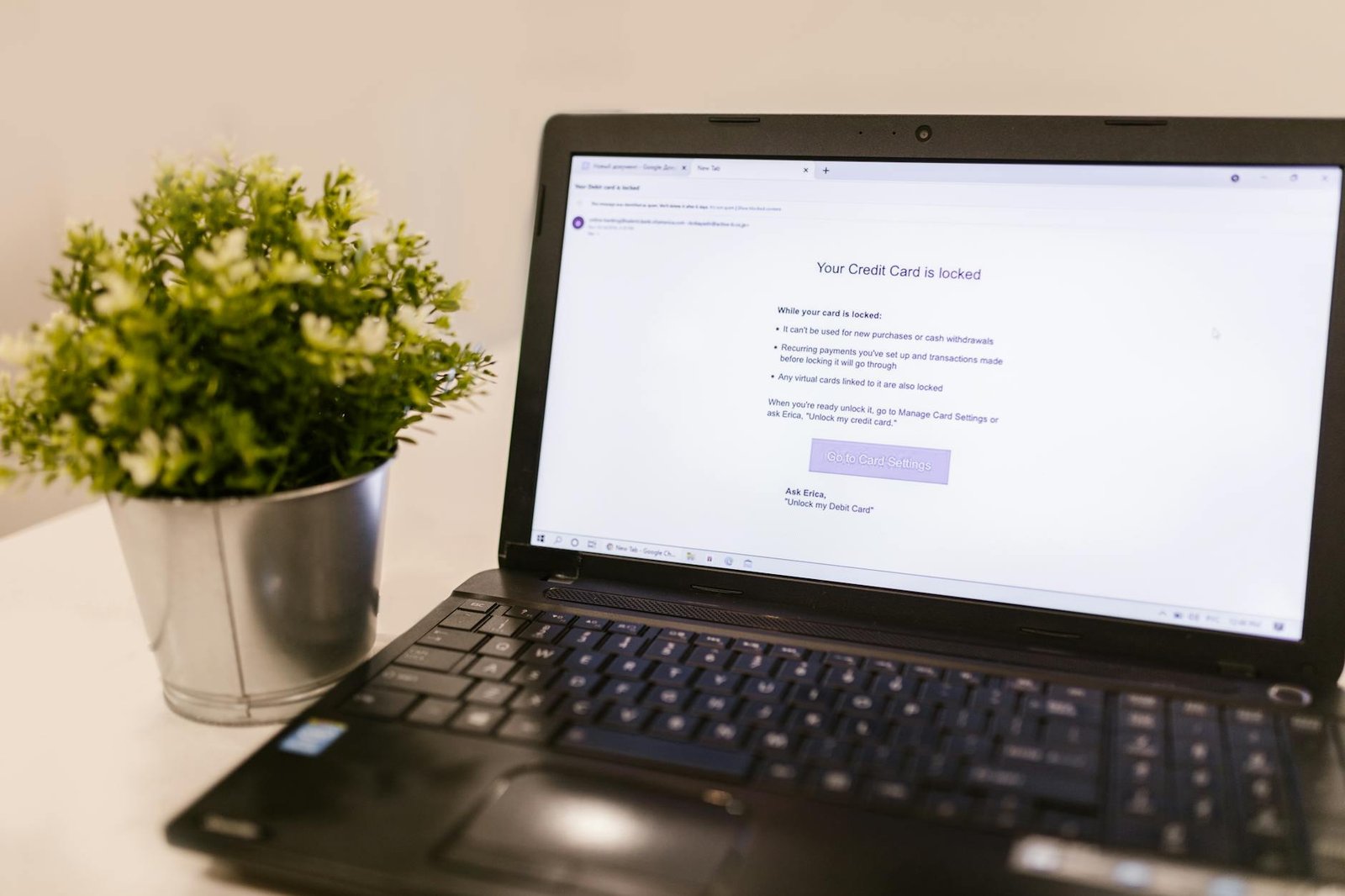
- A fake page loads — frequently a convincing Microsoft 365, Google Workspace, or bank login screen. Many recent samples first show a fake CAPTCHA ("verify you're human") to add legitimacy and to slow down automated analysis.
- You type your password. It goes straight to the attacker, who often relays it in real time to capture your multi-factor code too.
The scale is not theoretical. Microsoft documented a single sustained campaign between February 23 and 25, 2026, that sent more than 1.2 million messages to over 53,000 organizations across 23 countries, using payroll- and invoice-themed lures to deliver SVG attachments that ended in fake sign-in pages. Separately, Cloudflare's threat researchers tracked a credential-harvesting operation they called EvilTokens that reached 340+ Microsoft 365 organizations across the US, Canada, Australia, New Zealand, and Germany by mid-March, hiding its redirect chains behind legitimate platforms like Cloudflare Workers, Vercel, and Railway to look trustworthy.
Why your spam filter keeps missing them
This is the question I get asked most, and the answer is uncomfortable: most email security treats SVG as an image, and images are usually safe. Filters are tuned to block executables, scripts, and archives. An SVG slips through the gap between "it's just a picture" and "it's actually runnable code."
From the operations side, I've watched this firsthand. CyberShieldTips runs on Hostinger behind Cloudflare, and across the sites I manage I see the daily reality of email filtering — legitimate senders constantly get caught while genuinely novel formats sail through. When a file type is new as an attack vector, detection lags by months. Hoxhunt's data backs this up: in many samples, the malicious SVGs were flagged by zero antivirus engines at the time they landed. That's the entire appeal for attackers — a window where the file is dangerous but nothing marks it as such.
How to protect yourself — practical steps
You don't need to be a security engineer to shut most of this down. Here's what I'd actually recommend, ordered by how much protection you get per minute of effort.
For individuals
- Treat any
.svgemail attachment as hostile. Real invoices, voicemails, and payroll documents are never sent as SVG files. If you see.svgin your inbox, that alone is a strong red flag. Don't open it — report it. - Never enter a password on a page that opened from an attachment. This is the single most important habit. Legitimate logins start from you typing the address yourself or using a saved bookmark — not from clicking a file. If a login screen appears after you opened an attachment, close it.
- Use a password manager. Beyond convenience, a password manager won't autofill your credentials on a fake domain. If it refuses to fill, that silence is a warning the site isn't what it claims. I treat a non-filling password manager as a tripwire.
- Turn on phishing-resistant MFA. Passkeys or hardware security keys (FIDO2) defeat even real-time credential relay, because the secret never leaves your device. SMS codes are better than nothing but can be intercepted by these relay setups.
- Slow down on urgency. Every one of these lures manufactures pressure — a charge, a missed payment, an expiring document. CISA's guidance is consistent on this point: urgency plus a request for credentials is the core pattern of phishing. Pause and verify through an independent channel.
For small businesses and site owners
- Block or quarantine SVG attachments at the email gateway. Almost no legitimate business workflow depends on emailing SVGs to staff. Blocking the type outright costs you nearly nothing and removes the entire attack class. In my own ops this was a one-line filter rule, and I've never had a single complaint about a blocked legitimate SVG.
- If your site accepts uploads, never serve user-supplied SVGs raw. Sanitize them server-side with a tool like DOMPurify, strip
<script>and event handlers, or convert uploads to PNG. On our Laravel projects I either reject the MIME type or rasterize on upload — serving an unsanitized SVG back to your users is a stored cross-site-scripting vulnerability waiting to happen. - Set a Content-Security-Policy header that disallows inline scripts. Even if a malicious SVG sneaks onto your domain, a tight CSP can stop its JavaScript from executing.
- Adopt phishing-resistant MFA org-wide. NIST's SP 800-63B guidance now treats phishing-resistant authenticators as the recommended baseline, precisely because credential-relay attacks like these defeat password-plus-SMS.
What to do if you already opened one
If you opened a suspicious SVG and entered a password, treat it as a confirmed compromise — don't wait to "see if anything happens":
- Change that password immediately from a different, trusted device, and change it anywhere you reused it.
- Revoke active sessions in your account's security settings, so an attacker who relayed your login is kicked out.
- Check MFA settings and forwarding rules. Attackers often add their own MFA device or a hidden email-forwarding rule to keep access. Remove anything you don't recognize.
- Report it to your IT team or, for personal accounts, to the impersonated brand. In the US, you can report phishing to the FBI's IC3 (ic3.gov) and forward phishing email to the Anti-Phishing Working Group at [email protected].
The bigger picture
SVG phishing works for the same reason every successful attack works: it exploits a gap between what we were taught to fear and what's actually dangerous now. We learned to distrust .exe files and macro documents, so attackers moved to the one format we were told was safe — pictures.
My honest opinion after years of managing credentials and access across real production systems: the technical defenses matter, but the durable habit is refusing to authenticate from anything you didn't initiate yourself. An attachment can never make you type your password on a fake page if you've decided, as a rule, that logins only start from your own bookmarks. That single boundary defeats SVG phishing, quishing, and most of what comes next.
Sources: Hoxhunt SVG Phishing Mini-Report (2026); Microsoft Security Blog (May 2026); Cloudflare Cloudforce One research; Kaspersky Securelist; IBM X-Force; CISA phishing guidance; NIST SP 800-63B.
Found this helpful?
Subscribe to our newsletter for more in-depth reviews and comparisons delivered to your inbox.
Related Articles