SIM Swapping: How Hackers Can Steal Your Phone Number — And What You Can Do About It
Your phone number is not just a way for friends to reach you. Over the last decade, it became one of the master keys to your digital life. Banks, email providers, social media platforms, and cryptocurrency exchanges all use it to verify who you are. That makes it a high-value target — and SIM swapping is the attack that goes straight for it.
SIM swap fraud increased by more than 1,000% between 2022 and 2025, according to data compiled by mobile security firm Efani. The FBI Internet Crime Complaint Center (IC3) received over 1,600 SIM swap complaints in a single year, reporting losses exceeding $68 million — and that figure only counts cases that were formally reported.
This article explains exactly how SIM swapping works, why it is so effective, who is at risk, and what steps you can take right now to protect yourself.
What Is SIM Swapping?
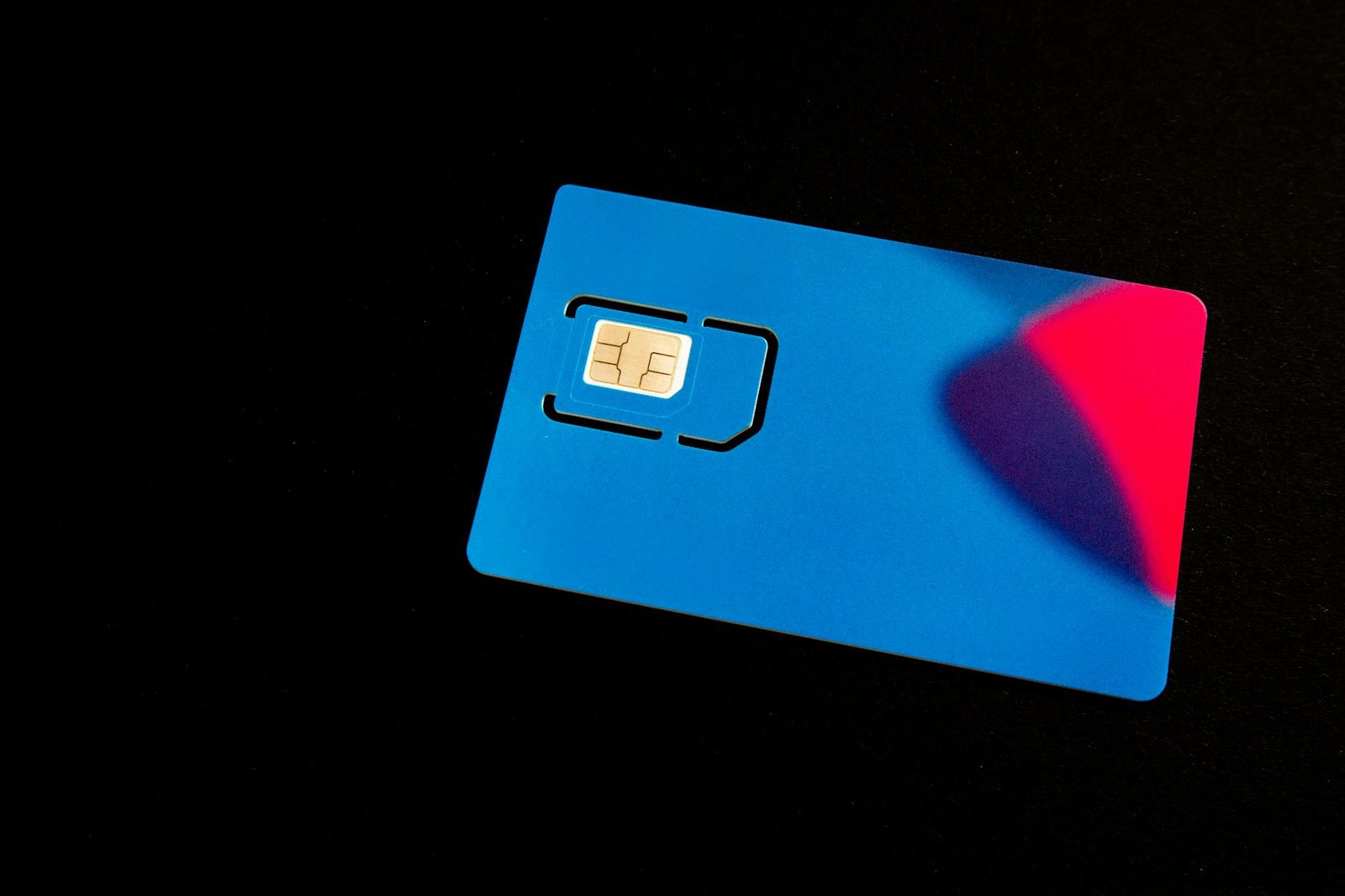
Your SIM card (Subscriber Identity Module) is the small chip inside your phone that links your device to your carrier network and assigns it your phone number. When you get a new phone or lose your SIM card, your carrier can transfer your number to a new SIM — a perfectly normal process called a SIM swap or port-out.
SIM swapping fraud is when an attacker convinces your carrier to perform that transfer without your knowledge or consent — moving your number to a SIM card that they control.
Once the swap is complete, your phone loses its signal. The attacker device starts receiving all calls and text messages sent to your number. Any two-factor authentication (2FA) code sent via SMS — for your bank, your email, your investment accounts — goes straight to them.
From there, the attacker typically: (1) requests a password reset on your email account using your phone as the recovery method, (2) takes over your email which serves as a master key to dozens of other accounts, and (3) drains financial accounts, cryptocurrency wallets, or sells access on criminal marketplaces. The whole process can unfold in under an hour.
How Attackers Pull It Off
SIM swapping does not require sophisticated hacking tools. It is fundamentally a social engineering attack — one that exploits human beings rather than software vulnerabilities.
Step 1: Gathering Your Personal Information
Before calling your carrier, an attacker collects information about you. This might come from data breaches (your name, email, birthdate may be in leaked databases), data brokers (companies that legally sell personal information scraped from public records), social media (your posts can reveal your carrier, birthday, hometown — all common security question answers), or phishing (you may have unknowingly handed over credentials via a fake website).
Step 2: Calling Your Carrier
Armed with your information, the attacker calls your carrier customer support line and impersonates you, claiming they have a new phone and need their number transferred to a new SIM card. Carrier verification procedures vary widely. Some carriers ask for a PIN you set previously; others rely on security questions the attacker may already have. In some documented cases, attackers bribed carrier employees directly.
A 2023 study by Princeton University researchers found that all five major U.S. carriers they tested had vulnerable authentication procedures that could be bypassed using information readily available online.
Step 3: Taking Control
Once your carrier completes the swap, the attacker immediately moves through your accounts, prioritizing email and financial services. They change passwords and recovery options to lock you out permanently.
Why SMS Two-Factor Authentication Is Not Enough
The uncomfortable truth at the heart of SIM swapping is this: if you use your phone number as a second factor for authentication, an attacker who controls your phone number has effectively bypassed that protection entirely.
SMS-based 2FA was always a workaround, not a gold standard. The National Institute of Standards and Technology (NIST) began discouraging SMS-based authentication back in 2016, noting in Special Publication 800-63B that SMS is a public telephone network vulnerable to interception and redirection.
SIM swapping is just one of several ways SMS 2FA can be defeated. Others include SS7 protocol attacks and real-time phishing relays, where attackers forward your SMS codes during a live attack session. This does not mean you should turn off 2FA — it means you should upgrade the type of 2FA you use.
Who Is Most at Risk?
Cryptocurrency holders are among the most heavily targeted because crypto transactions are irreversible and anonymous. High-profile social media accounts are targeted for their follower counts and resale value. Business executives and high-net-worth individuals are targeted for financial fraud or corporate espionage. Anyone using SMS 2FA on financial or email accounts is at baseline risk if their carrier verification can be socially engineered.
Signs You Have Been SIM Swapped
The clearest signal is sudden loss of mobile service when you have not done anything to cause it. Other warning signs: notification from your carrier about an account change you did not make; inability to log into accounts where you normally use SMS 2FA; receiving password reset emails you did not request; unfamiliar activity in financial accounts. If any of these happen, act immediately — time is critical.
What to Do If You Are Targeted
Immediately: Call your carrier from a different phone and demand they reverse the swap and lock your account. Contact your bank and financial institutions and alert fraud departments. Use backup codes to regain access to your email. Report to the FBI IC3 at ic3.gov and the FTC at reportfraud.ftc.gov.
After recovery: Change passwords on all accounts, prioritizing email and financial services. Move away from SMS 2FA on every account that matters. Set a SIM lock PIN with your carrier.
How to Protect Yourself Before It Happens
1. Set a SIM Lock PIN or Port Freeze With Your Carrier
Every major carrier allows you to set a separate PIN specifically for account changes. Some also offer a port freeze or number lock that blocks any number transfer request entirely until you explicitly lift it.
- AT&T: "Extra Security" option in account settings
- T-Mobile: "Account Takeover Protection" in your online account settings
- Verizon: Number Lock in account settings
- Google Fi: Automatic SIM lock enabled by default — verify it is active
2. Switch From SMS 2FA to an Authenticator App
Authenticator apps like Google Authenticator, Authy, or Microsoft Authenticator generate time-based one-time passwords (TOTP) directly on your device. They do not transmit codes over the phone network and cannot be intercepted by a SIM swap. Go through your critical accounts and switch from "text message" to "authenticator app" wherever the option exists.
3. Use Hardware Security Keys for the Highest-Risk Accounts
For email, cryptocurrency, and corporate accounts, consider a hardware security key like a YubiKey. These physical devices plug into your phone or computer to verify your identity and are immune to SIM swapping, phishing, and remote attacks. CISA explicitly recommends hardware keys as the strongest widely available form of 2FA.
4. Freeze Your Credit
Placing a credit freeze with all three major bureaus (Equifax, Experian, TransUnion) is free and prevents new credit lines from being opened without your direct authorization — critical if an attacker already has your personal information.
5. Reduce Your Public Footprint
Review your social media privacy settings. Opt out of data brokers where possible. Use a password manager so you are not reusing passwords that might be in leaked databases.
6. Use a Dedicated Email Address for Financial Accounts
Consider using a separate email address — one that is not public or searchable — exclusively for financial and high-security accounts. This limits the damage if your primary email is ever compromised.
The Bigger Picture
Telephone numbers were designed for routing calls, not for authenticating identity. The solution — authenticator apps, hardware keys, and passkeys — is already here. The challenge is adoption. As a practical matter, SMS 2FA is still far better than no 2FA at all, but the most important shift is understanding that your phone number is a credential, not just a contact detail. Protect it accordingly.
Key Takeaways
- SIM swapping moves your phone number to an attacker SIM card, giving them access to SMS messages including 2FA codes
- Set a SIM lock PIN or port freeze with your carrier today
- Replace SMS-based 2FA with an authenticator app or hardware key for your most sensitive accounts
- If you suspect a SIM swap, contact your carrier and financial institutions immediately and report to the FBI IC3
Authoritative Sources
- FBI IC3 — ic3.gov
- CISA MFA guidance — cisa.gov/mfa
- NIST SP 800-63B — NIST SP 800-63B
- FTC fraud reporting — reportfraud.ftc.gov
— Written from hands-on security operations at Warung Digital Teknologi (wardigi.com), drawing on authoritative sources including NIST, CISA, and vendor advisories.
Found this helpful?
Subscribe to our newsletter for more in-depth reviews and comparisons delivered to your inbox.
Related Articles