Three Million of Your Neighbors Smart Devices Were Secretly Launching the Largest DDoS Attacks in History — How to Check If Yours Is One of Them
My buddy Kevin called me at eleven on a Tuesday night, which is never a good sign. "Hey, so my internet has been garbage for like three weeks," he said. "And my smart doorbell keeps rebooting itself at random. Do you think Spectrum is just being Spectrum, or..."
I told him to check his router logs. Twenty minutes later he sent me a screenshot that made my stomach drop. His Ring doorbell, his off-brand security camera, and his toaster — yes, he bought a smart toaster during a Black Friday sale he still cannot explain — were all sending thousands of outbound packets per second to IP addresses in Eastern Europe.
Kevin is not special. He is not a target. He is just a guy in suburban Ohio with too many gadgets and a Wi-Fi password that has not changed since 2019. And that is exactly the profile that botnet operators love.
The Biggest Botnet Takedown You Did Not Hear About
On March 20, 2026, the U.S. Department of Justice announced the disruption of four massive IoT botnets — AISURU, Kimwolf, JackSkid, and Mossad — that had collectively enslaved more than three million devices worldwide. These were not servers in some shadowy data center. They were doorbell cameras. Baby monitors. Wi-Fi routers. Set-top boxes. The exact stuff sitting in your living room right now.
The attacks these botnets launched were not small either. We are talking about 31.4 terabits per second of DDoS traffic. To put that in perspective, Cloudflare described it as the equivalent of the combined populations of the UK, Germany, and Spain all typing a website address and hitting enter at the exact same second. That is the kind of traffic that can knock entire countries offline.
How Did Three Million Devices Get Hijacked Without Anyone Noticing?
This is the part that keeps me up at night. The operators behind these botnets — one of whom is reportedly a 23-year-old from Ottawa named Jacob Butler who told Brian Krebs he "mostly stays home and helps his mom around the house" — did not need sophisticated zero-day exploits. They exploited the two things that are always true about consumer IoT devices:
- Default credentials. An embarrassing number of smart devices ship with admin/admin or admin/password, and an even more embarrassing number of people never change them.
- Unpatched firmware. That security camera you bought in 2021? The manufacturer released exactly one firmware update in 2022, then quietly went bankrupt. Your camera is still running code with known vulnerabilities that have been public for three years.
The Kimwolf variant specifically targeted off-brand Android smart TVs and set-top boxes. You know the ones — those $40 streaming boxes on Amazon with suspiciously good reviews and a brand name you have never heard of. Over two million of those were compromised. The devices worked fine on the surface. You could still watch Netflix. You just could not see the part where your TV was also participating in a coordinated attack against a bank in Singapore.
The "Cybercrime as a Service" Economy You Are Accidentally Funding
Here is what makes this worse: the botnet operators were not using these devices for their own attacks. They were renting them out. The DoJ specifically noted that these botnets operated on a "cybercrime as a service" model. Other criminals paid to access your devices to launch their own DDoS attacks, conduct credential stuffing against banking websites, or route their traffic through your IP address to hide their real location.
Think about that for a second. Your Ring doorbell might have been the launchpad for an attack against a hospital. Your smart plug might have helped take down an election website. And you had absolutely no idea because your devices kept working normally on the surface.
How to Check If Your Devices Are Compromised Right Now
I am going to walk you through this the same way I walked Kevin through it. It took us about thirty minutes total, and he found two infected devices out of nine connected.
Step 1: Log Into Your Router and Check Connected Devices
Open your browser and go to 192.168.1.1 or 192.168.0.1 (check the sticker on the bottom of your router if neither works). Look at the list of connected devices. If you see anything you do not recognize — and I guarantee you will see at least one mystery device named something like "ESP_2F4A8C" — that is a red flag worth investigating.
Kevin had a device called "android-12345678" that turned out to be his toaster. The naming convention alone should have been a warning sign, but here we are.
Step 2: Monitor Outbound Traffic With Your Router Dashboard
Most modern routers — even the basic ones from your ISP — have a traffic monitoring section. Look for any device sending disproportionate amounts of data out. A security camera sends a lot of data when you are watching the live feed. It should not be sending 500 MB at 3 AM when you are asleep.
Step 3: Use Fing or Nmap to Scan Your Network
Download the Fing app on your phone (it is free). It will scan your local network and identify every connected device, including open ports. If you see a device with unusual ports open — like port 23 (Telnet) or port 5555 (Android Debug Bridge) — that device is either misconfigured or compromised. Either way, it needs attention.
Step 4: Check for Known Botnet Signatures
Several security researchers have published indicators of compromise (IoCs) for the AISURU and Kimwolf botnets. Cloudflare's DDoS Threat Report includes command-and-control domains and IP ranges. If you are comfortable with command-line tools, you can check your router's DNS logs against these IoCs.
If you are not comfortable with command-line tools — and there is absolutely no shame in that — skip to Step 5 and do the nuclear option.
Step 5: Factory Reset Suspicious Devices and Actually Update Them
If you find a compromised device, factory reset it. Then, before reconnecting it to your network, check the manufacturer's website for firmware updates. If the manufacturer's website no longer exists (which happens more often than you would think), that device needs to go in the trash. Not back on your network. The trash.
Step 6: Change Your Router Password and Enable WPA3
If your Wi-Fi password is your address, your pet's name, or literally the word "password" — and I say this with love — change it right now. Use WPA3 if your router supports it. If your router only supports WPA2, it is probably old enough that you should replace it anyway.
Step 7: Create a Separate IoT Network
This is the single best thing you can do. Most modern routers let you create a guest network. Put ALL your IoT devices on that network and keep your computers and phones on the main one. That way, even if your smart toaster gets compromised — Kevin, I am looking at you — the attacker cannot pivot to your laptop where your banking sessions live.
The Devices Most Likely to Be Part of a Botnet
Based on the DoJ indictment and QiAnXin XLab's research, here are the device categories most commonly found in these botnets:
- Off-brand Android streaming boxes — The $30-50 ones on Amazon. If the brand name includes random letters and numbers, be suspicious.
- IP security cameras — Especially brands that have not released firmware updates in over a year.
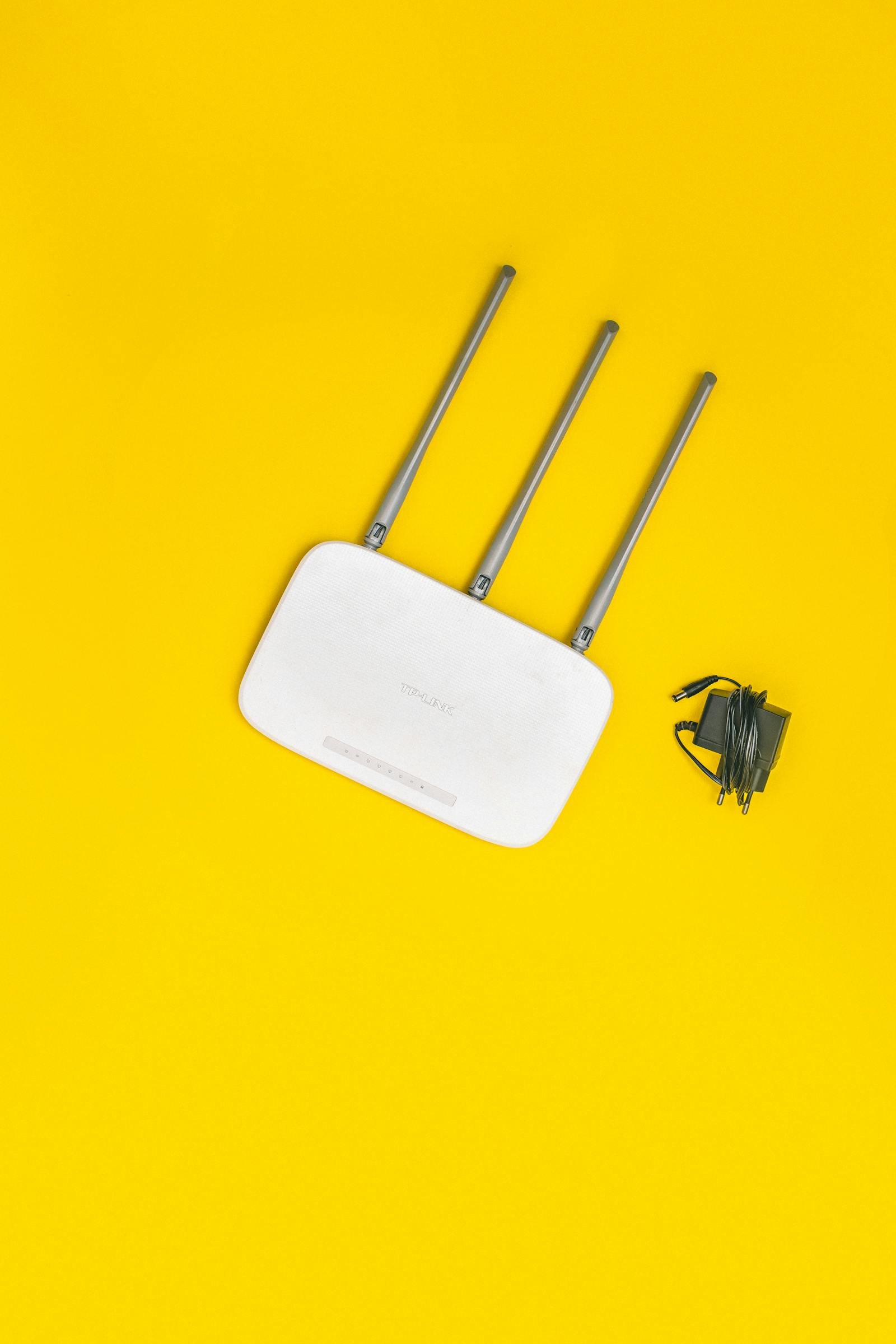
- Consumer-grade routers — Particularly older models from TP-Link, D-Link, and Netgear that are running original firmware from 2020 or earlier.
- DVRs and NVRs — Digital video recorders for security camera systems. These are Mirai botnet's all-time favorite target.
- Smart home hubs — Older Z-Wave and Zigbee hubs with web interfaces exposed to the internet.
What Happens Now That the Botnets Have Been Disrupted
The DoJ took down the command-and-control infrastructure, which means these botnets cannot currently receive instructions. But — and this is the critical part — the devices are still compromised. The malware is still on them. The moment someone spins up a new C2 server, those devices will reconnect like nothing happened.
The suspected operators include a 23-year-old in Canada and a 15-year-old in Germany. No arrests have been announced. Brian Krebs reported that the Canadian suspect claims someone is impersonating him using an old compromised account. Whether that is true or not, the botnets will be back in some form. They always are.
My friend Kevin factory-reset everything, set up a separate IoT network, and threw the smart toaster in the garbage. "I can make toast the regular way," he said. "I have been doing it for thirty-eight years."
Related reading: Learn how ClickFix social engineering tricks users into installing their own malware, why that thirty-dollar KVM on your desk is a massive security risk, and how DRILLAPP turned Edge into a full spy suite.
He is not wrong. Sometimes the most secure version of a device is the one that does not connect to the internet at all.
— Perspective from managing production access and credentials for multiple web properties and 50+ client systems at Warung Digital Teknologi (wardigi.com) over 11+ years.
Found this helpful?
Subscribe to our newsletter for more in-depth reviews and comparisons delivered to your inbox.